

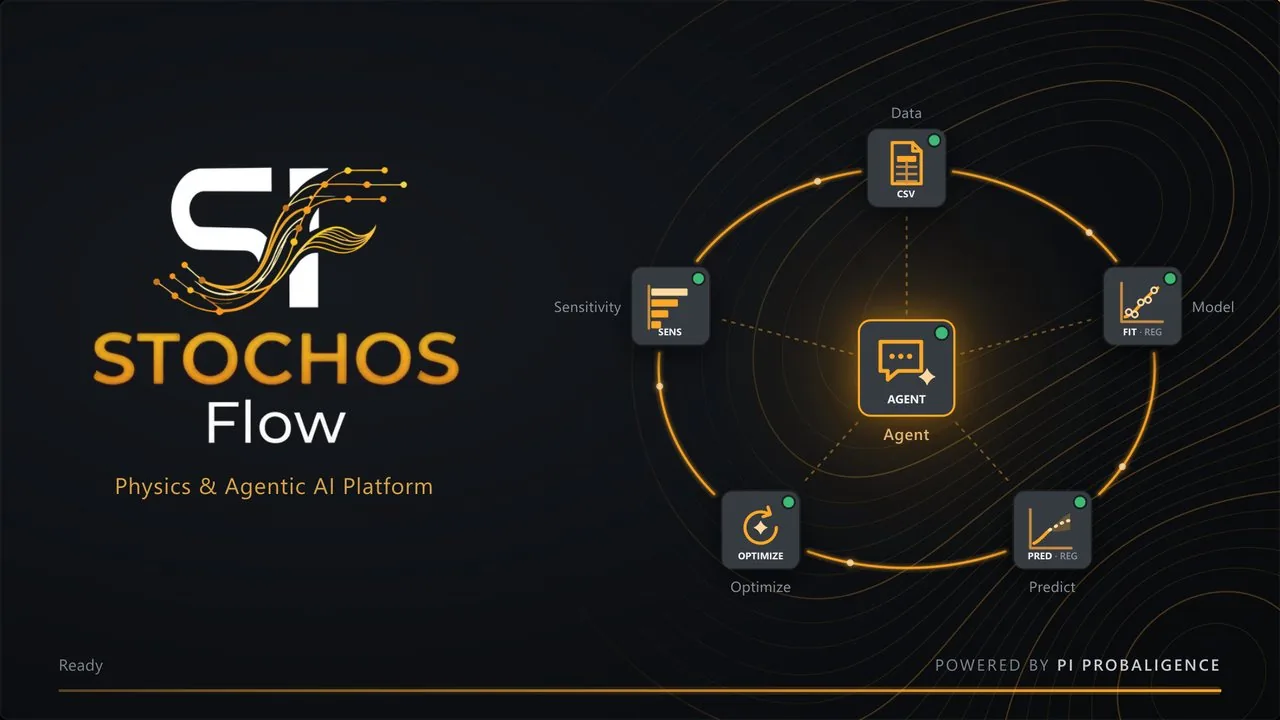
When we released STOCHOS Flow 1.0.0 early in 2026, it was a first step. Since then, our customers have used it on real engineering problems and told us what works, what was missing and what got in the way.
Much of what is in 1.3.0 comes straight from that feedback. Thank you to every customer who tried things out, reported a problem or sent us an idea. Please keep it coming.
AI agents that work like a colleague
You asked for assistants that stay with a task until it is done and keep you informed along the way. In 1.3.0 every AI assistant in STOCHOS Flow (the Agent dock, the coding assistants in the nodes, the Custom Agent, the Agent Observer and the new CAD Defeaturing assistant) runs on one new agent core. The agents work through a task step by step, look at the real results, and when something fails they find the cause and try again.
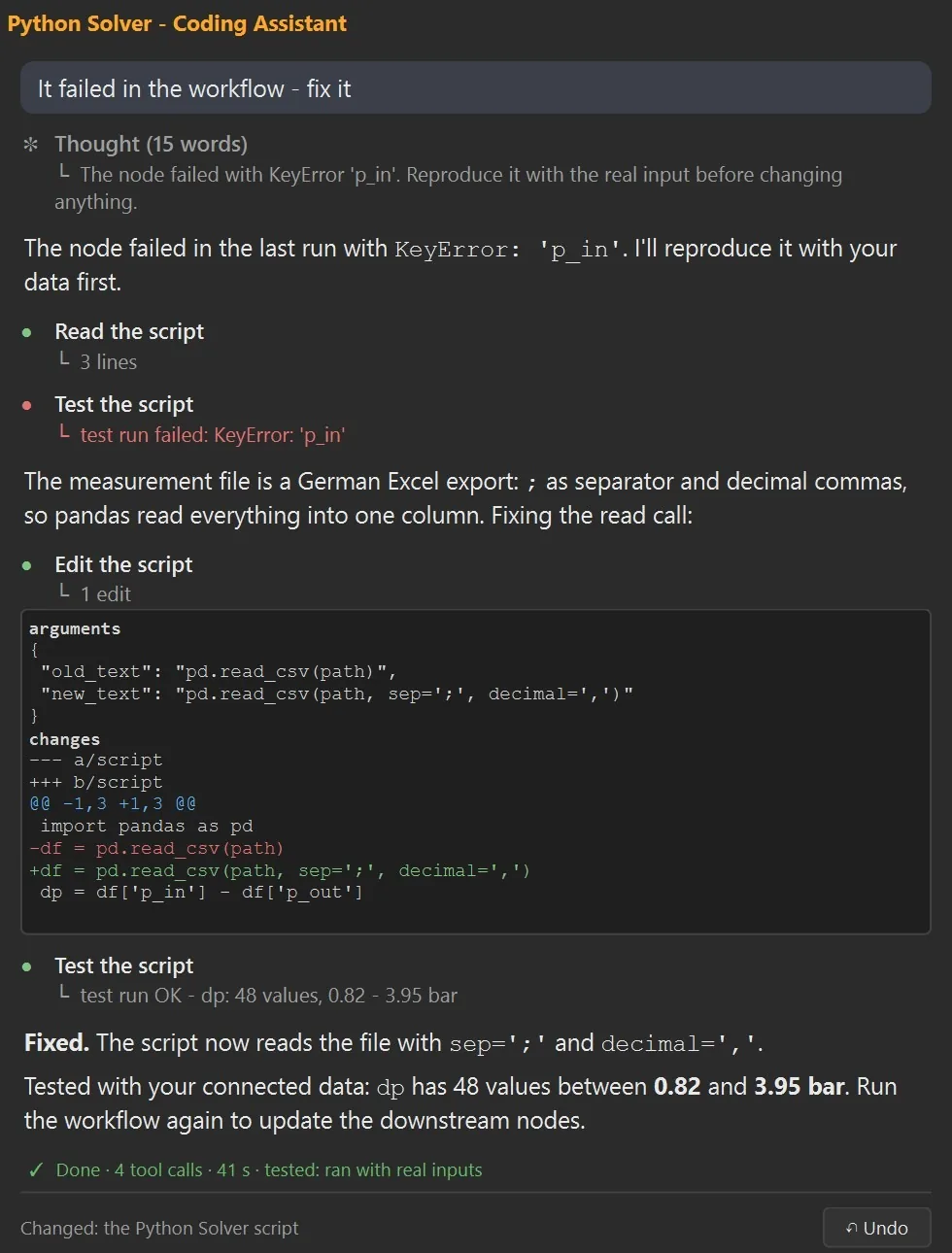
- Every step visible as it happens (reading, testing, the exact change as a before/after diff) and a todo list for longer tasks.
- Honest results: at the end you see what was done and how it was checked: tested with your data, with a stand-in solver, or only statically.
- "It failed, fix it" is enough: an assistant sees why its node failed in the last workflow run.
- You stay in control: type while it works, stop it any time, answer its questions, approve its changes, and Undo puts back what the last request changed.
- Conversations are saved, searchable and deletable; long ones are compacted automatically, and after a crash the chat offers to continue where it stopped.
Talk to running agents
Right-click a running Custom Agent to watch it live, send it a message or stop it. Agent Observers have their own chat.
Also after export
Exported workflows come with a chat for the terminal and the browser to talk to their agents, and to watch a Custom Agent while it runs.
Safe and offline
Writes outside the project need your OK, agent code stays on your computer, and an optional sandbox keeps it out of your files. Local models get the tools that suit them.
Your workflow and its agents as an app for everyone
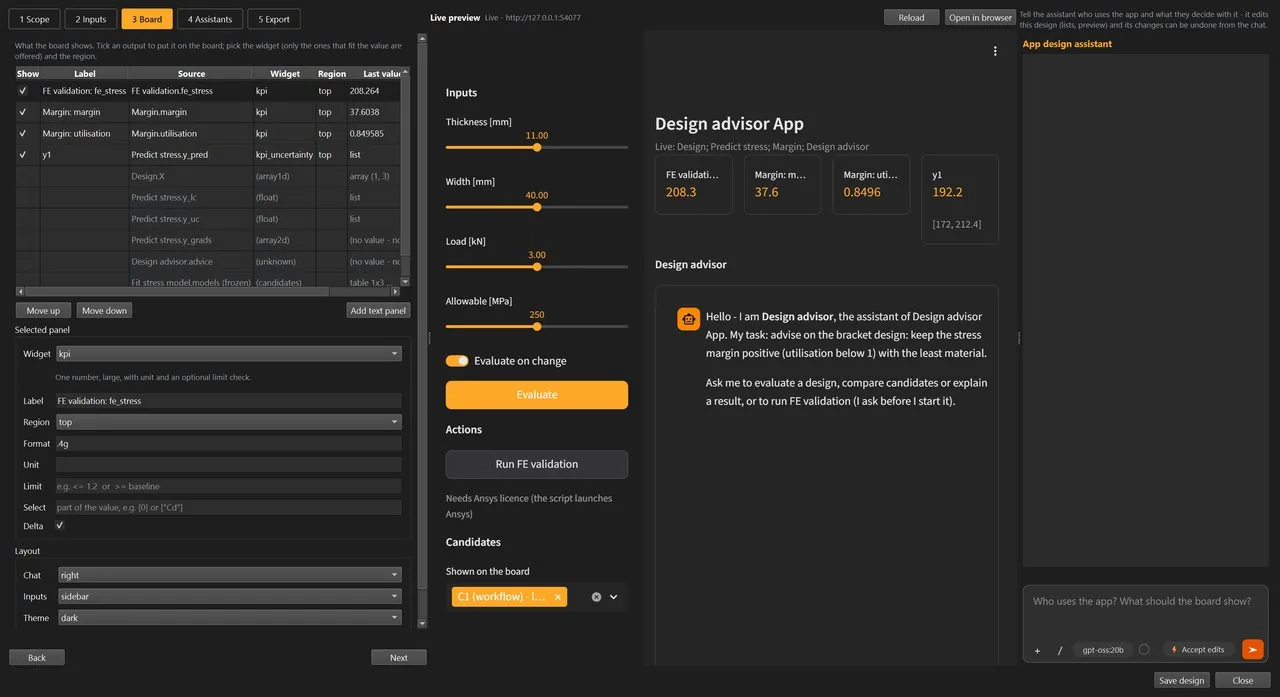
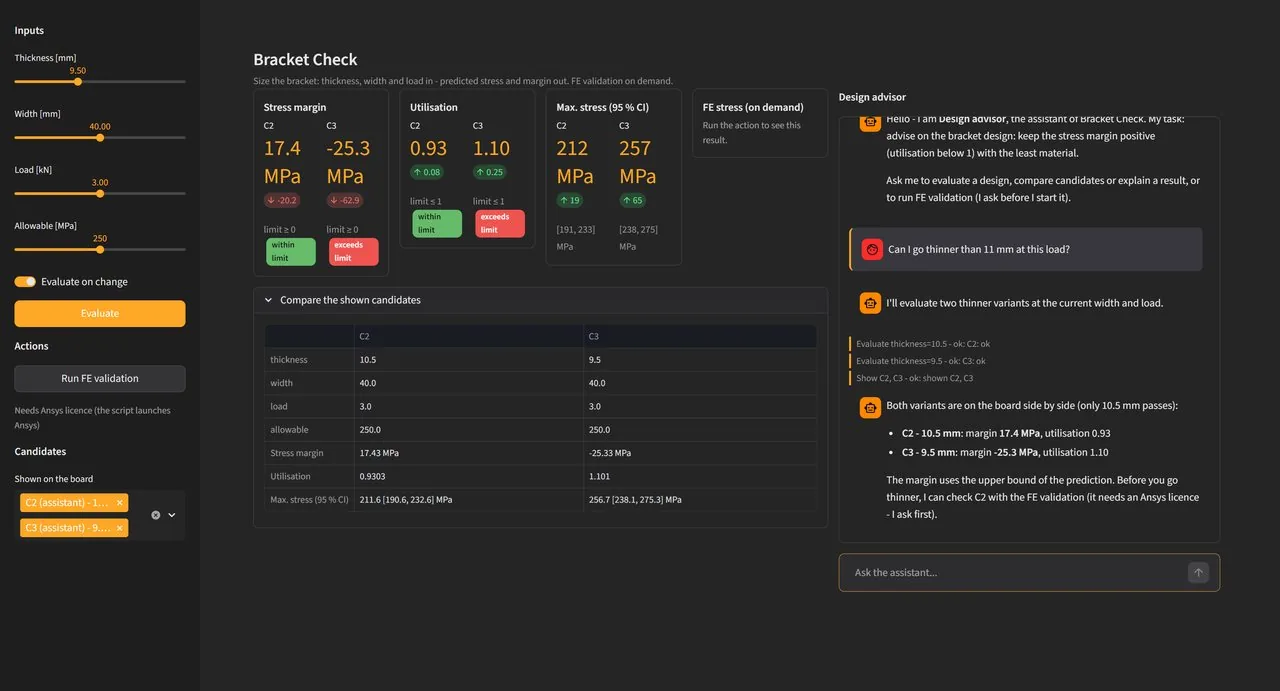
A workflow that an expert has built and validated in STOCHOS Flow can now leave the editor. Select the part that should become the tool, right-click and choose Export as App…. The App Builder proposes a complete app (the inputs people may change, a board with KPIs, tables, plots and 3D fields, on-demand actions and, when the workflow holds a Custom Agent, a chat assistant) with a live preview of the real app and an assistant that adapts the design to the people who will use it.
Runs without the editor
The app opens in the browser with one start file. Engineers change inputs and ask the assistant. No workflow knowledge needed.
Approval before expensive runs
Solver runs that need a license or minutes of compute become actions: the assistant asks first, and nothing starts without an OK.
Built once, used by many
A few experts build and validate the workflow; everyone else uses it as a tool. The app remembers the project it came from.
A clearer canvas and a new face
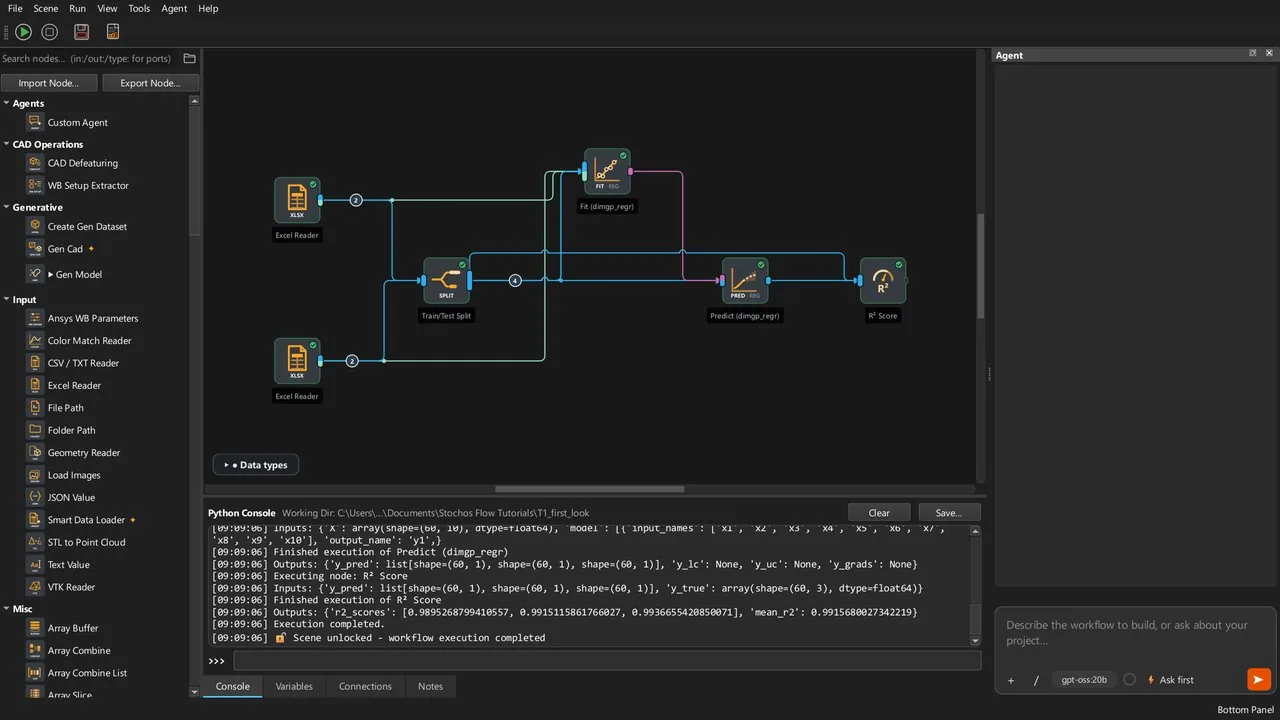
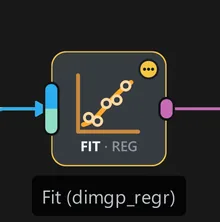
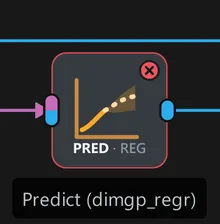
Every node icon was redrawn in one consistent orange line style, and the tag under each motif names the operation and the task (for example FIT · REG). Wires are thinner, the background is plain, and STOCHOS Flow has a new app icon and an animated start screen.
Status at a glance
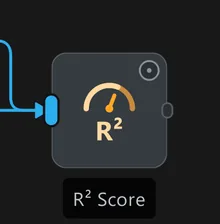
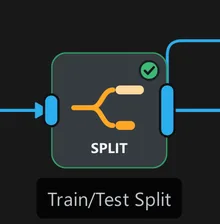
A dot in the top-right corner of every node tells you where it stands.
Ports show their data and their connections
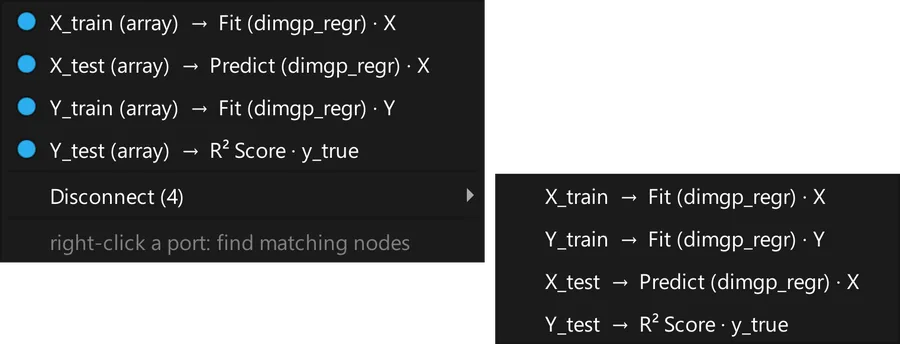
A port's color shows the kind of data, its shape whether it carries one value or a list. Click a port to see every connection and disconnect a single wire.
Dialogs that fit
Every dialog can be resized and maximized, opens large enough to show all its buttons and scrolls instead of cutting off content. A decimal comma, typed or pasted, is understood everywhere.
Workflows that know what changed
Changed input files are detected
Reader nodes remember the files they read. When a file changes on disk, the node turns gray and runs again on the next Run, and a file that was only saved again does not re-run the loops behind it.
Solver Wrappers take outside inputs
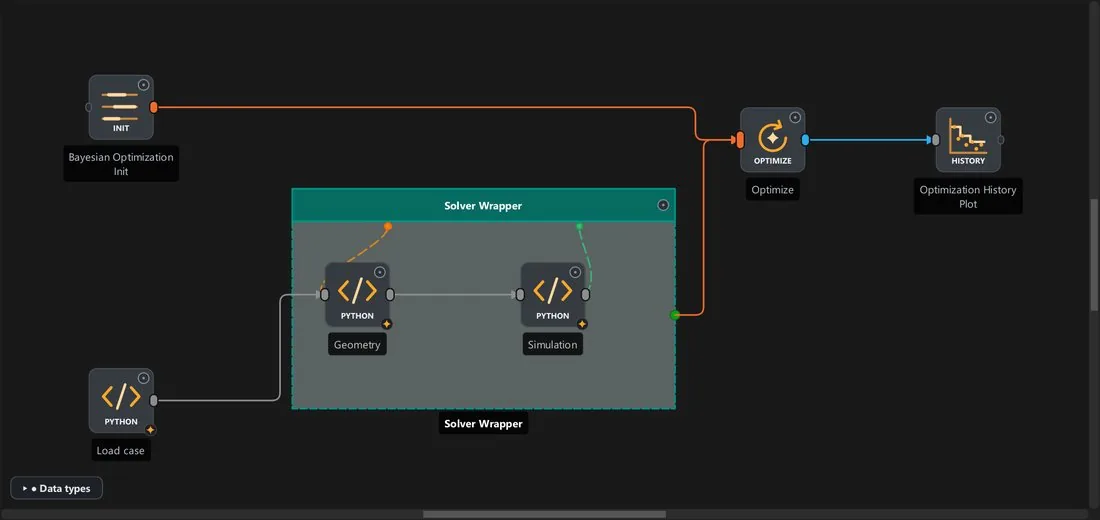
Nodes inside a Solver Wrapper can now use results from the rest of the workflow (for example a model trained outside) as constant inputs for every design the optimizer evaluates.
Export as Python: the whole workflow
The exported script now runs loops as real iterations, hands Solver Wrappers to the optimizer as an evaluation function and runs Custom Agent and Agent Observer nodes as in the app. API keys stay with you: they come from environment variables, never from the export.
Assistants that test their own work
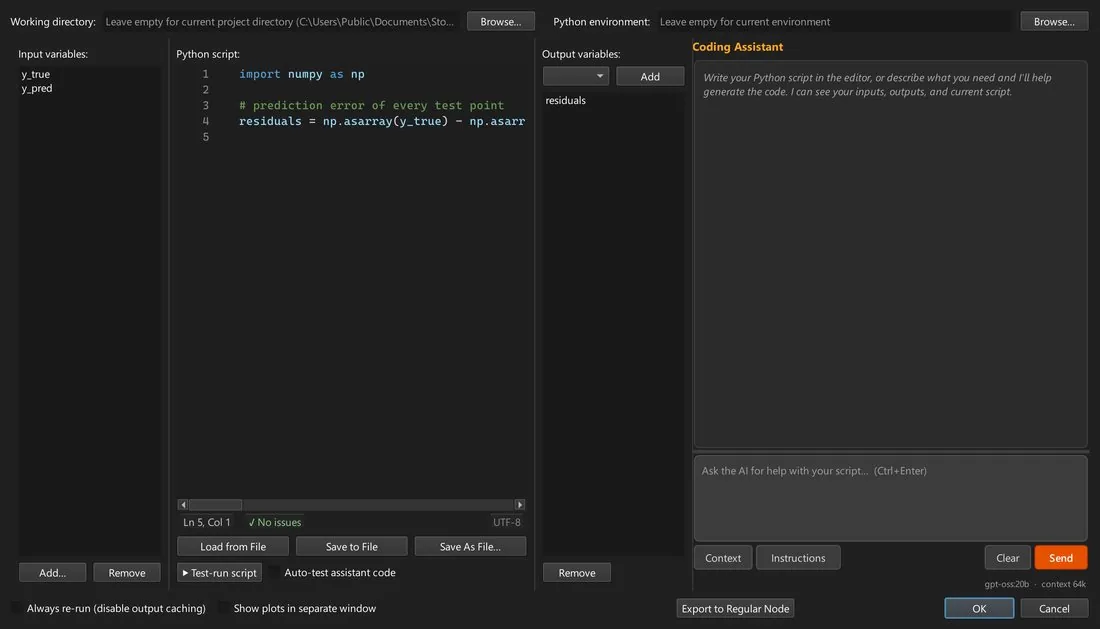
Before you see a script, the Coding Assistant checks it against the installed libraries and test-runs it on your connected data. If a problem remains, the answer says so plainly instead of handing you code that only looks right.
- Knowledge bases use a new, more accurate search model: the right example is found first far more often.
- PyAnsys: every library is installed, with one knowledge base per product, and many typical mistakes are caught before a script runs.
- Your own function library can be used to compose scripts: your functions are copied unchanged, with every helper they need.
Several hundred fixes
A systematic review of every area (readers, models, plots, optimization, the AI assistants, saving and loading, exports) found and fixed bugs that could crash a node, silently ignore a setting or produce a plausible but wrong result. Saved projects open as before.
Safer runs
Closing during a run asks first, Abort also stops external scripts, and script nodes work on copies of their inputs.
Models load as trained
Load Model keeps the order and names of the Fit, foundation models can be saved, and accuracy is reported per output.
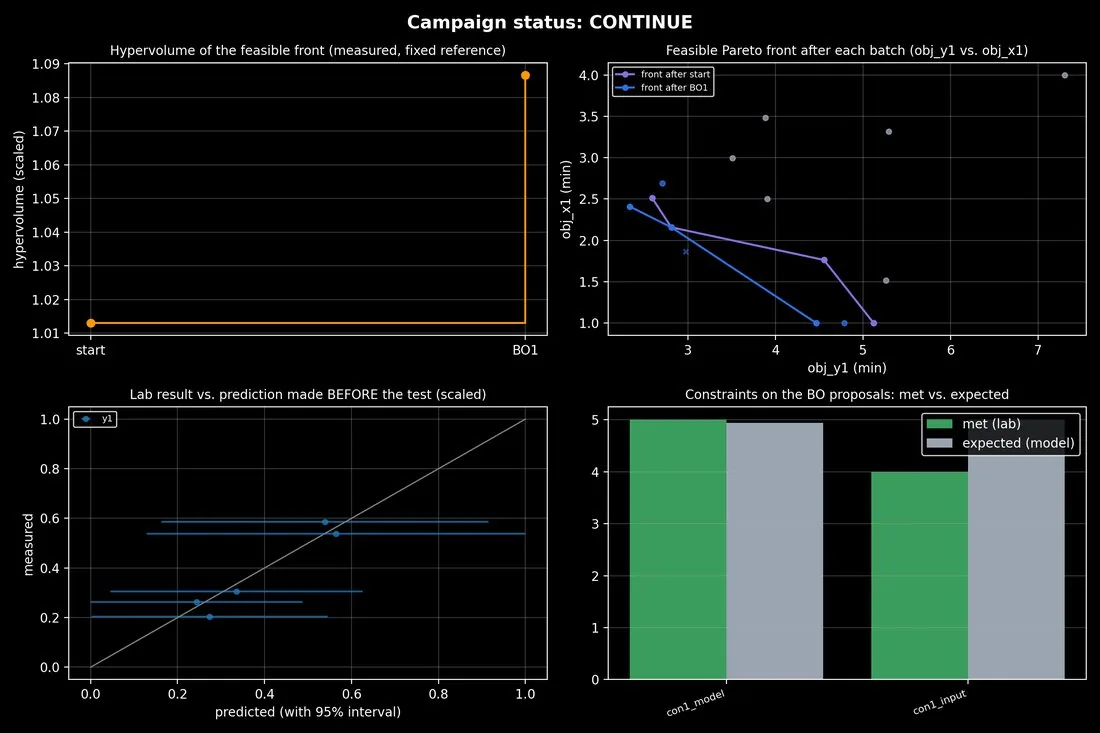
Campaign Tracker
8 new tutorials
A complete new tutorial series, from installation and your first workflow to the AI agents, optimization, simulation automation and sharing your work. Available as slides and PDF in the download section.
What comes next: the platform for agentic AI and physics AI
We have big plans. STOCHOS Flow will grow into the platform where AI agents and physics-aware models work together on real engineering tasks, from the first sketch to a validated, deployed workflow. A few highlights from our roadmap:
Roadmap CAD Agent
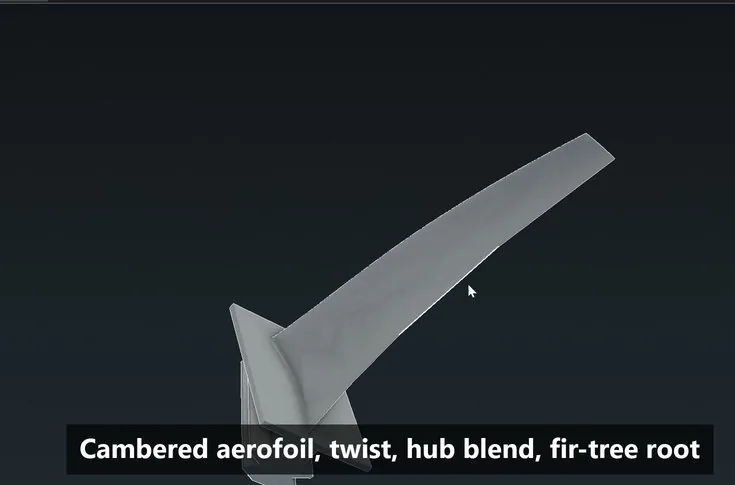
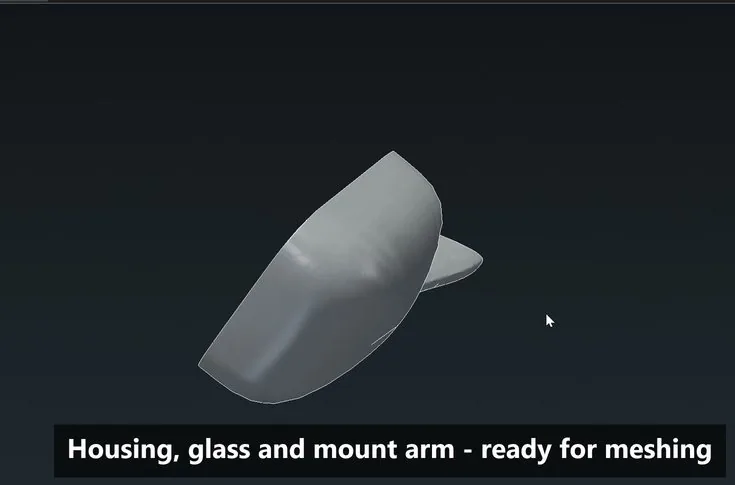
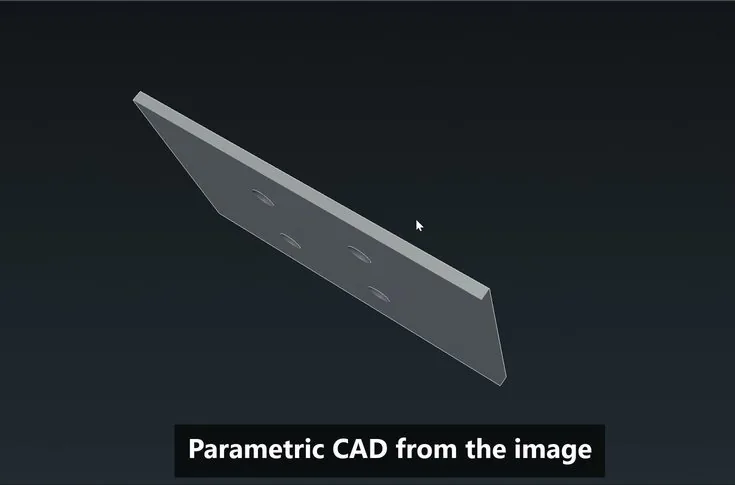
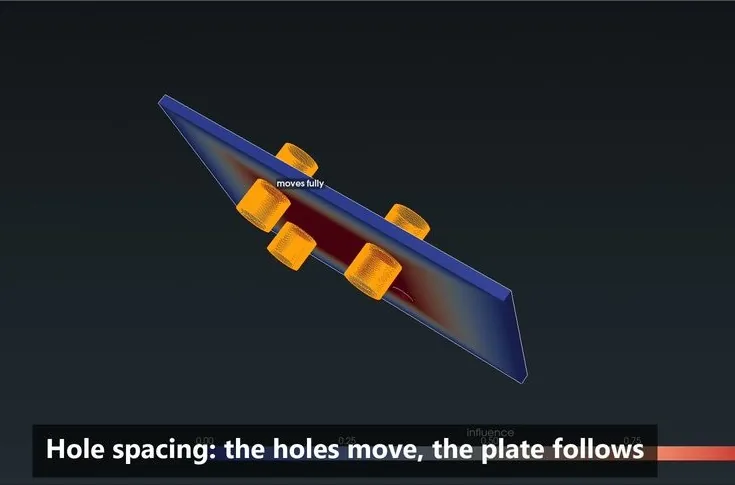
Parametric CAD from a text description or an image: a real, editable model with its parameters, not just a mesh. And the reverse direction: CAD from given STL files, for example the geometries created by our generative AI, so that a generated shape becomes a parametric part you can simulate and optimize.
Roadmap Deploy, trace and monitor agentic workflows
Taking agentic workflows from the desktop into production: deploying them as services, tracing every agent step (prompts, tool calls, results) and monitoring runs, quality and model drift over time. That way, an agent's answer can always be traced back, checked and reproduced.
Let's build it together
Your feedback shaped 1.3.0, and it will shape what comes next. Tell us which problems you want STOCHOS Flow to solve, and we will keep building the platform around them.
Questions, feedback or a live demo: info@probaligence.com.