

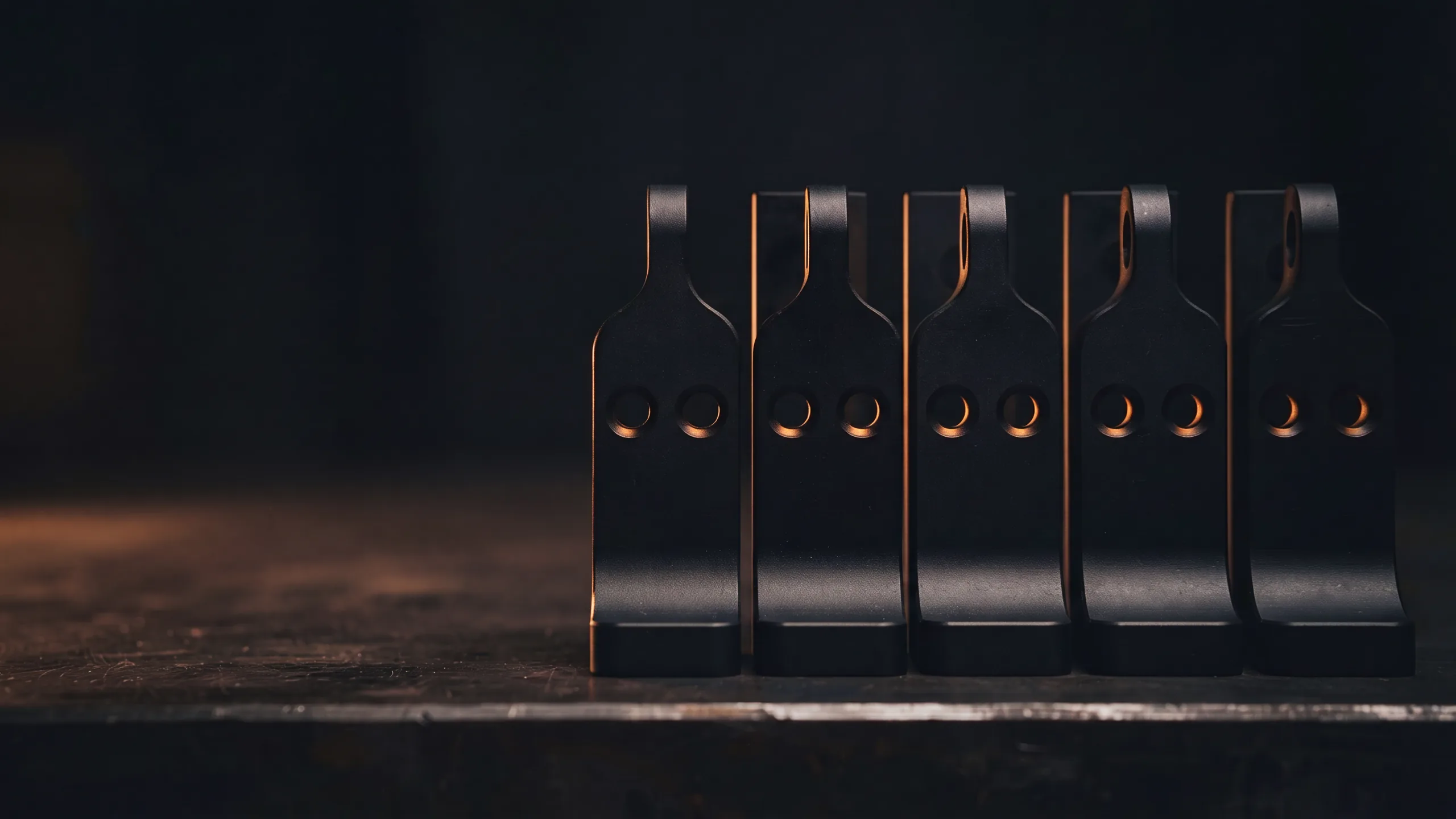
Why variant count stays low
Each new geometry is manual CAD work, so the design space you actually evaluate is the small corner you had time to build.
The limit is rarely the solver and it is never the idea list. It is the hours between a sketch and a body clean enough to mesh. Teams answer that by choosing a handful of variants early and defending them, which quietly turns an exploration into a confirmation of the first guess. Everything outside that corner stays an opinion, because nothing ever attached a number to it.
A shape family, not a parameter list
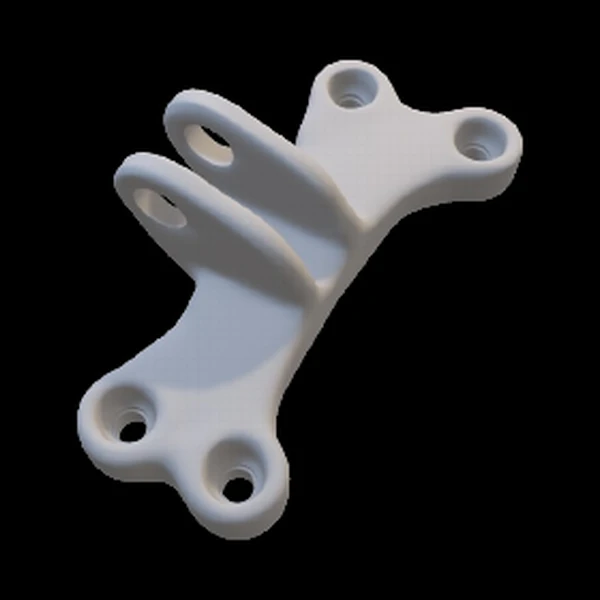
Trained on a handful of geometries, it learns the shape family rather than a parameter list, which is why the variants it produces look like your parts and not like noise.
A parameter list can only move the dimensions somebody thought to expose, and it stops at the edge of that list. A learned shape family carries the proportions, the transitions, and the features that repeat across parts you have already signed off. That is the difference between generating a new bracket and generating a shape that happens to have a hole in it.
What comes out the other end
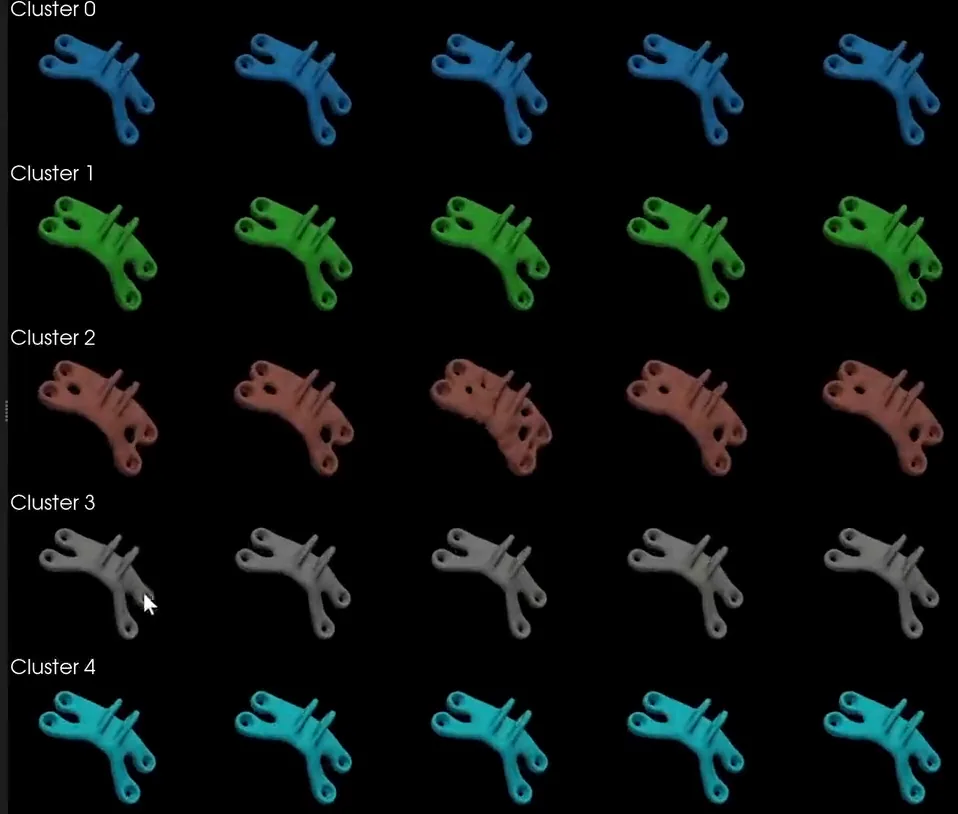
Many shapes from the same family, produced in seconds rather than sketched one at a time. They are candidates to evaluate, which is exactly what a wide search needs at this stage.
A wider shortlist, the same sign-off path
Generated variants feed the same evaluation you already run, and every geometry that matters still goes through your normal CAD and validation path before anyone makes it.
Treat the output as a shortlist of candidates, not as finished parts. Screen them the way you screen anything else, with a solve or with a surrogate model, and take the few that survive into CAD. The gain is the width of the search that happens before that point, not a step removed from the end of it. The method behind this is set out on Generative Design, and STOCHOS is the engine that runs it on your own infrastructure.
Common questions
01Are the generated geometries ready to manufacture?
No. They are candidates to evaluate. Your normal CAD, validation, and sign-off path still decides what gets made.
02How many existing designs does generative design need?
Fewer than most people expect. The generative geometry example learned from three input designs. How far that generalizes depends on how varied your family is.
03Can generative design hold hard constraints like bolt positions?
That is the point of learning constraints from the input designs. Features that are fixed across the training geometries are carried into the generated ones.
Generative Design
The method page: learning a shape family, generating geometry, ranking what comes back.
Surrogate Modeling
How to screen a long candidate list without paying for a solve on each one.
STOCHOS
The predictive engine behind the generated geometry, running on your infrastructure.
News and Guides
The rest of the guides, plus what we have published recently.